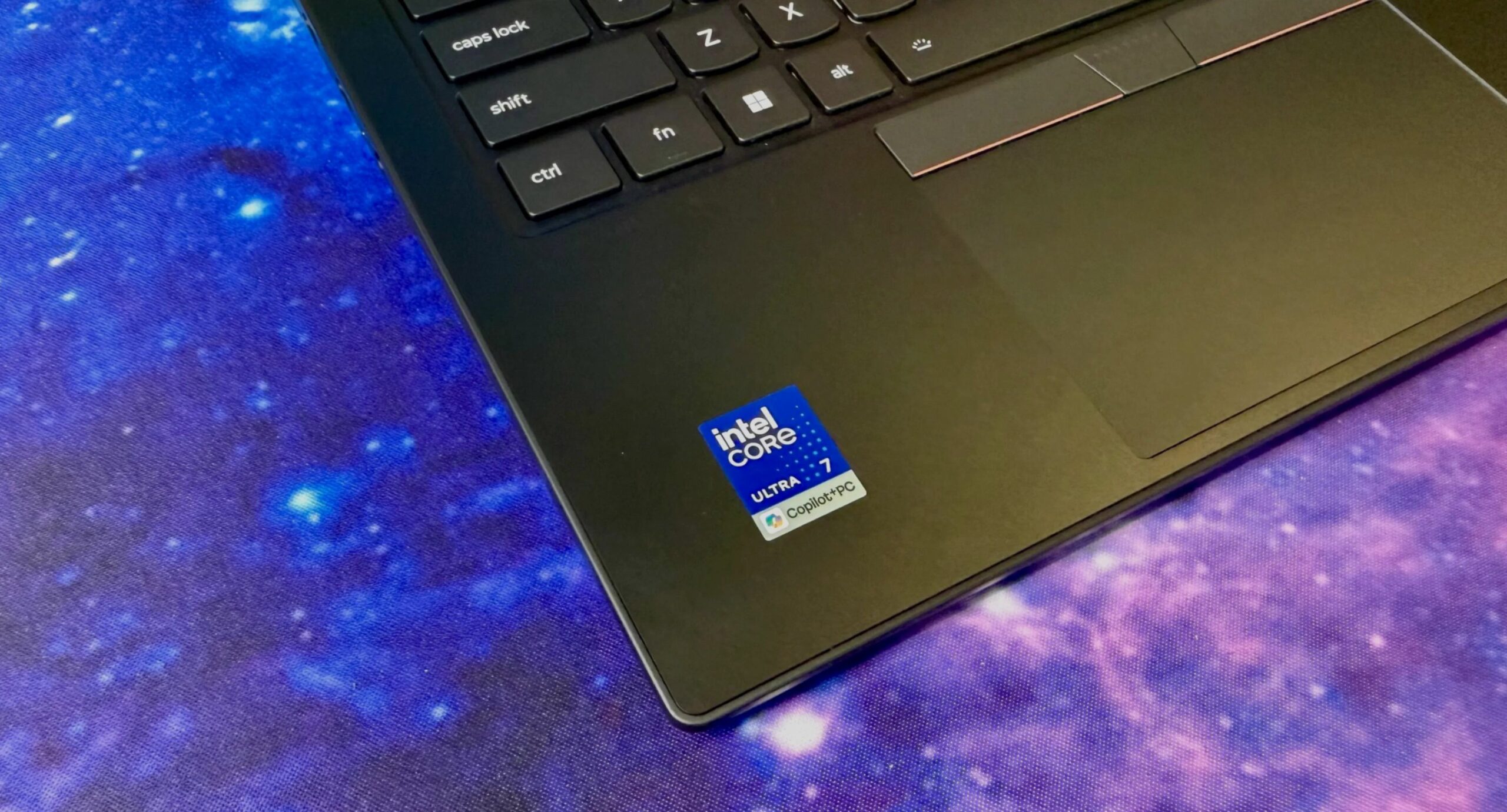
The ThinkPad X1 Carbon looks exactly like it did last year.
Same boxy black silhouette. Same matte finish. Same red TrackPoint sticking out of the keyboard. It is the definition of “if it ain’t broke, don’t fix the exterior.”
But don’t let that comfortingly familiar chassis fool you.
Inside, Lenovo has ripped out the guts and replaced them. This isn’t just a new coat of paint. The interior is completely reengineered with a new “Space Frame” chassis. The goal? Better cooling. Quieter operation. And, more importantly, a laptop that is actually easier to repair than its predecessors.
For the business buyer—or anyone who hates planned obsolescence—this shift in internal architecture is the real headline. Performance is stable, not explosive. Battery life is slightly lower. But if you care about keeping your machine alive for five years instead of three, the X1 Carbon Gen 16 is finally catching up.
Pricing and Configurations: Navigating the “RAMageddon”
Let’s talk money. Because in an era of skyrocketing component costs, Lenovo did something unexpected.
They didn’t raise the price across the board.
In fact, my specific test configuration was $100 cheaper than the nearly identical Gen 15 model I reviewed last year. That is a rarity. Laptop prices have been climbing steadily, yet Lenovo managed to absorb that hit on the OLED panel upgrade while keeping the base entry point higher.
How Much Does the X1 Carbon Cost?
- Starting Price: $2,139 (US) / £2,366 (UK) / AU$3,779 (Australia).
- Specs: Core Ultra 5 335V, 32GB RAM, 256GB SSD, 1920×1200 IPS display, Windows 11 Home.
- The Hidden Sweet Spot: $1,884.
- Specs: Upgrade to Core Ultra 7 355V, but downgrade RAM to 16GB and keep the 256GB drive.
- The Creator/Power User Setup: $2,374.
- Specs: Core Ultra 7 355 (16GB), 512GB SSD, 2.8K 2.8K OLED Display (no extra cost), Windows 11 Pro.
Here is the tricky part for buyers trying to maximize value: RAM is not user-replaceable. You lock it in at purchase.
Lenovo has introduced a staggering 64GB RAM option, but only available with the top-tier Core Ultra 7 365 chip. That upgrade costs a painful $720. It highlights the current global semiconductor crunch, where memory prices have spiked dramatically.
Pro Tip: If you don’t strictly need 64GB for heavy virtualization, the $1,884 config (Core Ultra 7 + 16GB) offers better CPU power for less money. Or, stick with the base 32GB if you want a safety buffer. But know that once you buy it, that RAM is there for good.
Why the Space Frame Chassis Matters
The marketing term is “Space Frame.” The reality is a modular, serviceable design.
For years, ultrabooks have been glued shut. Open a modern laptop, and you’ll likely find the battery soldered directly to the motherboard. If the battery dies in three years, you throw away a perfectly good CPU, screen, and keyboard.
The Gen 16 fixes this.
Is the X1 Carbon Gen 16 Repairable?
Yes. Better than before. Not perfect, but better.
Here is the breakdown of what you can actually swap out:
- Battery: Replaceable via three screws. Finally.
- Keyboard: Replaceable. Six screws + ribbon cables.
- Cooling Fans: Replaceable. Crucial for a machine that runs hot.
- SSD: Replaceable. Note: There is only one M.2 slot. You can upgrade it, but you cannot add a second drive. You must replace the existing one.
- USB Ports: Replaceable. The left-side USB-C ports can be swapped individually. The right-side ports are paired on a small sub-board. If one fails, you replace the sub-board, not the entire main motherboard.
It’s not quite the Framework Laptop level of modularity. But for a flagship business machine, this is a massive step forward for sustainability and Total Cost of Ownership (TCO).
How Hard Is It to Open?
It’s manageable.
You remove four screws on the bottom panel. Inside, you see the battery secured by three more screws. Remove that, and you can access the internal frame housing the double-sided motherboard.
To go further—say, to replace the keyboard or fans—you also remove the keyboard deck (six screws). In total, you are dealing with 13 standard Phillips head screws. No Torx. No Pentalobe. No proprietary tools needed.
The Catch: There are ribbon cables. Four of them.
Disconnecting these requires patience. If you are not comfortable with fragile connectors, you will likely call your IT department. Reassembling the keyboard deck without bending a ribbon cable can be tricky. But for a skilled user, it is a viable repair path that extends the laptop’s life significantly.
Performance: Panther Lake vs. Lunar Lake
This is where you might feel a slight pang of disappointment.
If you are waiting for a massive performance leap over last year’s Lunar Lake (Gen 15), you won’t find it here. The new hardware runs on Intel’s Panther Lake (Core Ultra 300 series).
- Multicore: Slightly faster.
- Single-core: Slower.
- Graphics (GPU): Significantly weaker.
Why Is the GPU Worse?
Intel scaled back the integrated graphics. The Gen 15 had eight Xe graphics cores. The Gen 16 (Core Ultra 7 355) has only four Xe cores.
There is no Core Ultra X7 option for this model. If you need the 12-core Arc graphics found in higher-end mobile chips, this thin-and-light ultrabook isn’t for you.
For basic office tasks, Excel sheets, and web browsing, it is more than fast enough. The system feels snappy. But if you do any 3D rendering, video editing, or light gaming, you will notice the bottleneck.
Battery Life: The Hidden Trade-off
Battery life dropped.
It went from nearly 18 hours on the Gen 15 (Core Ultra 7 258V) down to about 15 hours on the Gen 16 (Core Ultra 7