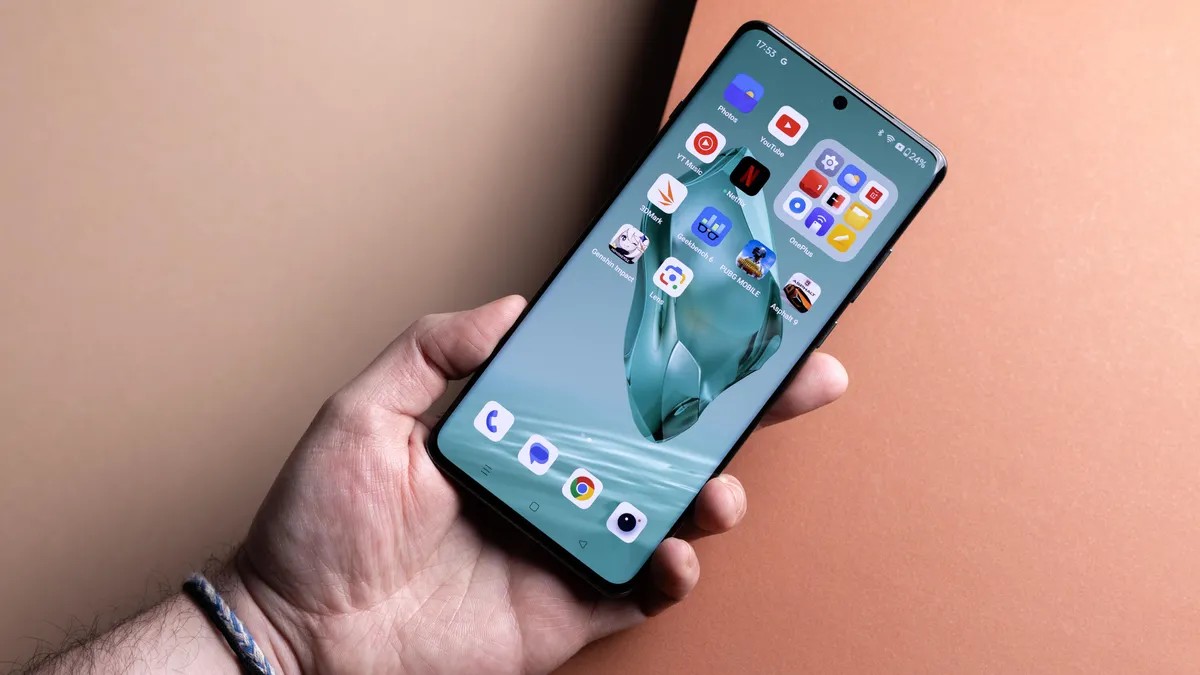
Modern smartphones, like the iPhone 17 Pro or Samsung Galaxy S25 Ultra, offer impressive performance and camera capabilities. However, these devices come at a premium cost, making it increasingly crucial to maximize their lifespan. Extending your phone’s usability is not only financially sensible but also environmentally responsible, reducing electronic waste and the demand for new production. Fortunately, manufacturers like Apple, Google, and Samsung now provide longer software support for their devices, ensuring security and functionality for years to come.
Maintaining Software Integrity: The Foundation of Longevity
Regular updates are essential. Ignoring security patches leaves your phone vulnerable to malware and performance degradation. Modern Android devices, such as the Google Pixel 10 series, now receive seven years of software support, a substantial improvement over older models that often abandoned updates after just two or three years. Check your device settings frequently for updates and enable automatic app updates to ensure compatibility with the latest iOS or Android version.
Physical Protection: Shielding Against Damage
Protecting your phone’s hardware is equally important. A sturdy case is the first line of defense against drops and scratches. Screen protectors are also invaluable, allowing you to replace a damaged protector rather than the entire screen. Maintaining a pristine physical condition can also boost resale value when you eventually upgrade.
Battery Health: The Lifeline of Performance
Over time, smartphone batteries degrade, reducing capacity and potentially leading to performance throttling. Replacing a tired battery can breathe new life into an aging device. iFixit offers repair kits and replacement batteries for many models, allowing DIY repairs. Alternatively, professional repair services can handle the replacement if you’re uncomfortable with self-repair.
Digital Housekeeping: Optimizing Performance
Cluttered storage slows down your phone. Regularly offload unnecessary photos, videos, and unused apps to free up space. Consider a factory reset for severely degraded performance, but back up essential data first.
Physical Maintenance: Preventing Hardware Issues
Finally, keep your charging port and speakers clean. Pocket lint and debris can obstruct charging and muffle audio. Use a toothpick to gently clear out the port and a dry toothbrush to remove dust from speakers.
Extending your smartphone’s lifespan is a practical and sustainable approach to tech consumption. By prioritizing software updates, physical protection, battery health, digital housekeeping, and physical maintenance, you can maximize value and minimize waste.