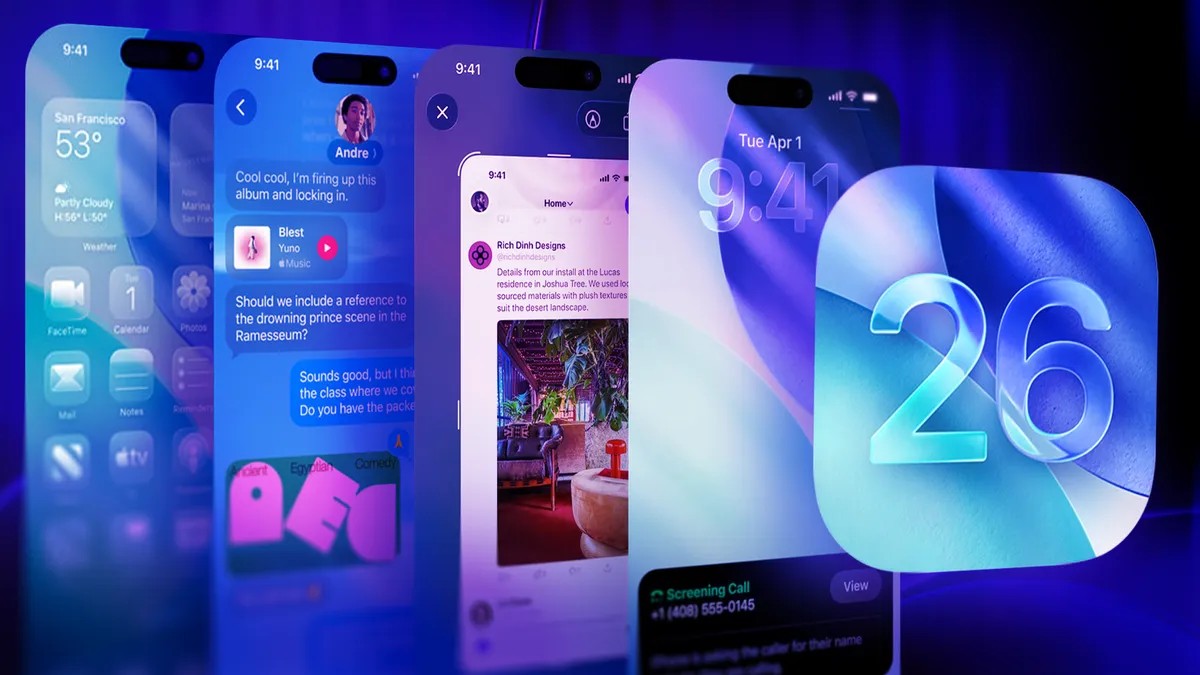
Apple’s latest iOS 26 update brings well-publicized changes like Liquid Glass and AI enhancements, but the real improvements lie in the subtle, often overlooked tweaks buried within your phone’s settings. These aren’t flashy features; they’re the kind you don’t notice immediately, but quickly become essential when you switch devices.
If you’ve invested in Apple’s ecosystem, it’s time to unlock the full potential of your hardware. Here are 18 hidden iOS 26 features that will transform your daily experience.
Smarter Daily Use: Power, Timing, and Clarity
Several updates focus on making core functions more efficient and personalized. Adaptive Power Mode (available on iPhone 15 Pro models and later) learns your usage patterns to optimize battery life without manual intervention. The system intelligently adjusts performance based on whether you’re gaming, streaming, or simply browsing, ensuring power isn’t wasted on unnecessary processes.
Beyond power management, iOS 26 finally addresses a decades-old annoyance: the fixed 9-minute snooze duration. This relic of analog alarm clock limitations is now customizable, allowing snooze intervals from 1 to 15 minutes. The change seems small, but it highlights how digital devices should adapt to user preferences, not enforce outdated conventions.
The Camera app now includes a Dirty Lens alert, preventing blurry photos from smudges. It’s a simple reminder to clean the lens before capturing important moments, saving you from frustrating results.
Enhanced Communication and Organization
iOS 26 also refines how you interact with messages, photos, and information. Copying text in Messages is now more precise: you can highlight specific portions instead of grabbing entire bubbles, useful for passwords or codes. The Maps app keeps a private record of visited locations, complete with dates, providing a built-in travel history without relying on third-party apps.
For those who listen to foreign music, Apple Music lyric translations provide real-time subtitles, making international songs more accessible. The Phone app now offers live call screening, transcribing incoming calls from unknown numbers so you can decide whether to answer or decline.
Productivity and Multimedia Improvements
The operating system also introduces tools for multimedia creation and productivity. You can now create custom ringtones directly from the Files app by converting MP3s or M4As under 30 seconds. The Preview app, previously a macOS exclusive, is integrated for PDF editing: highlight text, add notes, sign documents, and rearrange pages without third-party apps.
For visual content, iOS 26 introduces Spatial Scenes in Photos, turning images into immersive, 3D-like views with subtle motion. Screenshots now capture in HDR, preserving vivid details closer to what you see on the display. The Camera app also supports remote shutter control via AirPods (double-tap to snap a photo).
Advanced Features: AI, Connectivity, and Security
The most significant additions leverage AI and connectivity. Visual Intelligence analyzes screenshots instantly, offering actions like “Add to Calendar” or “Image Search” via ChatGPT or Google. The Weather app now supports satellite connectivity for basic forecasts in areas with no service.
Wallet is expanding to support digital passports in select regions, streamlining travel checkpoints. Apple is also pushing into personalized experiences with features like custom text message backgrounds and swipe-from-the-middle navigation.
Conclusion
iOS 26’s hidden features aren’t about reinventing the wheel; they’re about refining the everyday. From smarter power management to enhanced communication tools, these updates make the iPhone feel more intuitive, personalized, and capable. They prove that the most impactful changes often aren’t the loudest ones.