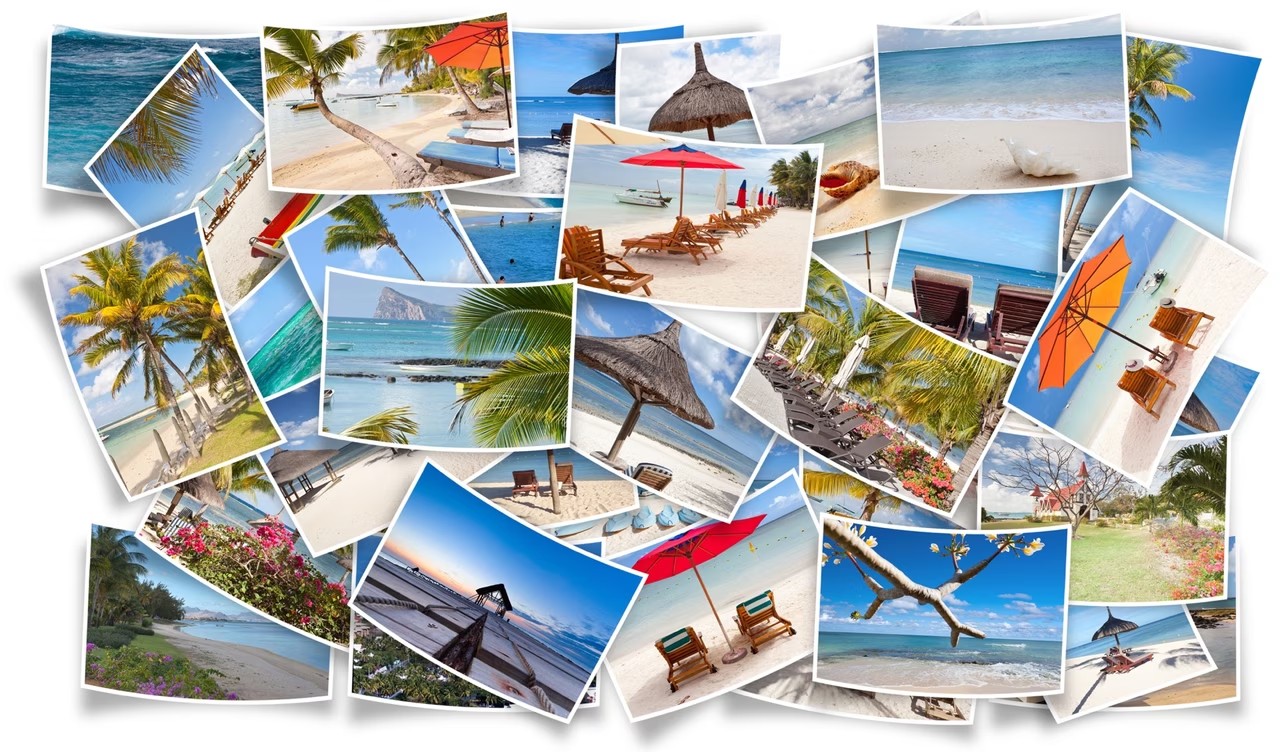
JPEG stands for Joint Photographic Experts Group. A file format and compression method developed in the 1990s. The goal is simple. Reduce the image file size by reducing the sharpness. Keep your photos clean. This format is now everywhere. It dominates the web. All connected devices use it. Computers. Tablets. Digital cameras.
Anyone who takes photos is familiar with this format. This is standard for previews. In most cases, the displayed thumbnails are JPEG images.
This format is based on a specific algorithm. Reduces the amount of data needed to save images. JPEG is currently the most common compression method among .jpg, .jpeg and less common extensions such as .jpe and .jif. When you shoot in JPEG format, you are playing a balancing act. You trade some quality for smaller file sizes. Excessive compression makes the photo blurry.
Why JPEG was created for the early web
As the Internet began to grow, developers faced a problem. Digital images are too heavy to upload. Loading times spoil the user experience. Researchers needed a solution. Digital images must be stored without bloat.
This research led to the creation of JPEG. The advantage of this format is that it reduces the weight of the image. Keep your files manageable while maintaining acceptable quality. Because of this effectiveness, it is still relevant decades later.
Compromise between size and clarity
Using JPEG requires compromises. You get smaller files. Some data will be lost. This algorithm discards information that may not be immediately visible to the human eye. However, if you press it too much, artifacts will appear. Blocks become visible. The edges have become softer. The clarity of the image is lost.
For this reason, JPEG remains the default for web delivery. The browser loads faster. Storage costs are reduced. But for professionals who need every pixel, there are other formats as well. For everyone else, JPEG is still a viable option. It’s not perfect. It’s not lossless. But it works.
The advantage of JPEG is that it reduces the weight of the image while maintaining an acceptable quality.
The format isn’t going anywhere. Integrated into the Internet infrastructure. Every time you look at a photo online, you may see a compressed JPEG. This works well. It’s everywhere. That’s enough for now.
JPEG vs. RAW: Why does format matter for online downloads?
You take pictures. You stare at the menu. RAW or JPEG? This is not just a preference. It’s a workflow decision. If you’re posting to Instagram or a blog, JPEG always wins. Reduce file size without affecting visual quality. RAW files are large. Good for editing, but not for quick sharing.
The choice depends on where the image is placed. Internet? JPEG. Archival? RAW. Most people don’t think about this until they see an error message about file size limits. Then they panic.
How to convert large images to JPEG
Do you have heavy files? Perhaps high resolution TIFF files or uncompressed PNG files. Too large for most web forms. It needs to be squeezed. Enter JPEG conversion.
There are many free online tools to accomplish this. Upload your source image. The server processes the numbers. Download the smaller version. It’s that simple. However, don’t click “Convert” blindly. You can adjust the settings.
Most converters allow you to adjust the resolution. You can adjust the size. You can also control the compression level. The higher the quality, the bigger the file. Poor quality means pixelation. Find the sweet spot. Typically 80-90% quality is invisible to the naked eye, but the size is greatly reduced.
This not only saves storage space. It’s about the loading time. A slow website reduces engagement. Quick images keep users on the page.
What does JPEG actually mean?
The name is an abbreviation. Joint Photographic Experts Group. This is a committee to standardize the format. We have been using it since the 1990s. It is very old. It’s everywhere.
JPEG uses lossy compression. This means discarding the data. Your brain fills in the blanks. You won’t notice the missing pixels at sunset. You will definitely notice them in clear text documents. For this reason, JPEG is not suitable for screenshots containing text. Suitable for photos with tones and complex colors.
If you need every single pixel to be exact, look elsewhere. For general web use? It’s still the king.
If JPEG fails
Not all images are suitable for JPEG mode. Transparency does not work with JPEG. Need a transparent background? Go PNG.
The animation doesn’t work either. Need a GIF? Go GIF.
But for static photos on the web? JPEG is the standard. It is very fast. Compatible with all established browsers. This is the default setting for a reason.
Stop overthinking the format. Customize the output to suit your platform. Web? JPEG. Do you want to print? TIFF or RAW. Simple.