



Many smartphone owners face a frustrating problem: their phone suddenly stops charging. While the causes can range from a faulty cable to internal hardware issues, a surprisingly common culprit is something simple and easily overlooked – a clogged charging port.
The Problem: Pocket Debris
Modern phones lack port covers, leaving the charging connector exposed to dust, lint, and other microscopic debris. Over time, these particles accumulate inside the port, forming a solid barrier that prevents a proper connection. This issue affects both iPhones (Lightning or USB-C) and Android devices. The accumulation happens gradually, so you may not notice it until the charger becomes unstable or refuses to connect at all.
Why This Happens
The design of modern smartphones makes them vulnerable to this issue. Pockets are notorious collectors of small particles, and phones spend significant time in them. Even clean pockets can contribute – think of receipt fragments, cookie crumbs, or simply everyday dust. The problem isn’t immediate; it builds up over months or years of use.
The Solution: Manual Cleaning
Fixing this is straightforward: manually clean the charging port. Here’s how:
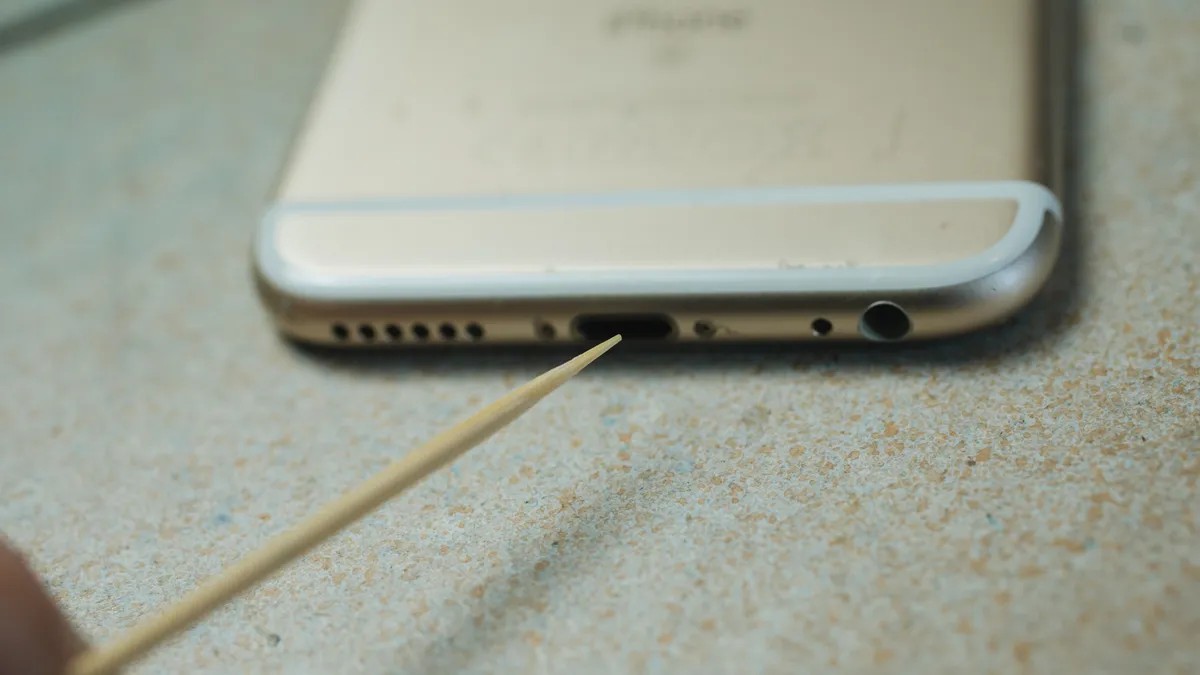
- Gather Tools : You’ll need a non-metallic tool like a wooden toothpick, cocktail stick, or plastic spudger. Avoid metal tools if possible, as they can damage internal contacts.
- Gentle Scraping : Carefully insert the tool into the port and gently scrape along the sides to loosen compacted debris. For USB-C ports, focus on scraping around the connector in the center. With Lightning ports, scrape back and forth.
- Extraction : Continue scraping until debris begins to come loose. Be careful not to apply excessive force to avoid damaging the internal components.
- Testing : After removing visible debris, test your charger. If it still doesn’t connect securely, repeat the scraping process.
When to Consider Other Solutions
If cleaning doesn’t fix the problem, the issue might be with the cable, adapter, or internal hardware. Try a different cable or charging brick. If those fail, seek professional repair or replacement, as deeper issues may require expert intervention.
A dirty charging port is one of the most common – and easiest to fix – reasons why a phone won’t charge. Regular cleaning can prevent this issue entirely.


